
Batch editing real estate photos combined with AI batch photo processing is the solution to process hundreds, even thousands of photos at once while maintaining consistency and meeting urgent deadlines. This article guides the techniques + best practices + how Kolorheaven provides services to support agents, photographers, and developers with high-volume listings.
Batch Editing Real Estate Photos – Concepts and Applications for High-Volume Listings
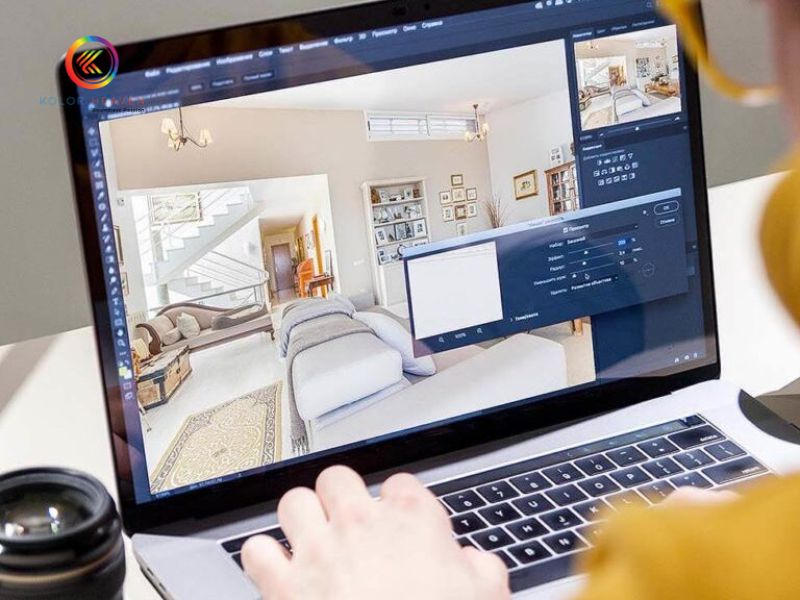
Before diving into the technical details, it is important to understand what batch editing is and why it is important for listings with large numbers of photos.
Definition of Batch Editing
Batch editing is the process of applying editing operations (e.g., brightness, contrast, white balance, crop/resize, perspective correction, HDR if needed) to multiple photos in the same group (batch) instead of editing each photo individually.
There are two common types of batch editing:
- Manual batch: using presets, actions in Lightroom, Photoshop, Capture One, etc.
- Automatic batch: combining AI to automatically recognize light, color, interior vs. exterior scenes to apply appropriate presets, even complex processing such as perspective correction, sky replacement, HDR merge.
Why high-volume listings need batch editing
- When you have many projects / many assets, the number of photos can be up to hundreds or thousands. If you edit each photo manually, it takes a lot of time and effort.
- Image synchronization: style, color tone, lighting, crop/frame — helps the agent/developer brand look more professional.
- Cost savings: reduces the need to hire a lot of manual editing staff or pay extra fees for special photos.
Steps to prepare for effective batch editing
- Classify photos by project and type (interior, exterior, drone, twilight, day-to-dusk, etc.).
- Build presets / styles: Kolorheaven can help build branded presets / custom presets that suit customer requirements.
- Minimum quality criteria: brightness, color balance, distortion, output resolution.
- Organize original photos clearly: keep RAW photos if available, exposed photos, photos in different formats for easier batch processing.
AI Batch Photo Processing – Automation Tools & Techniques
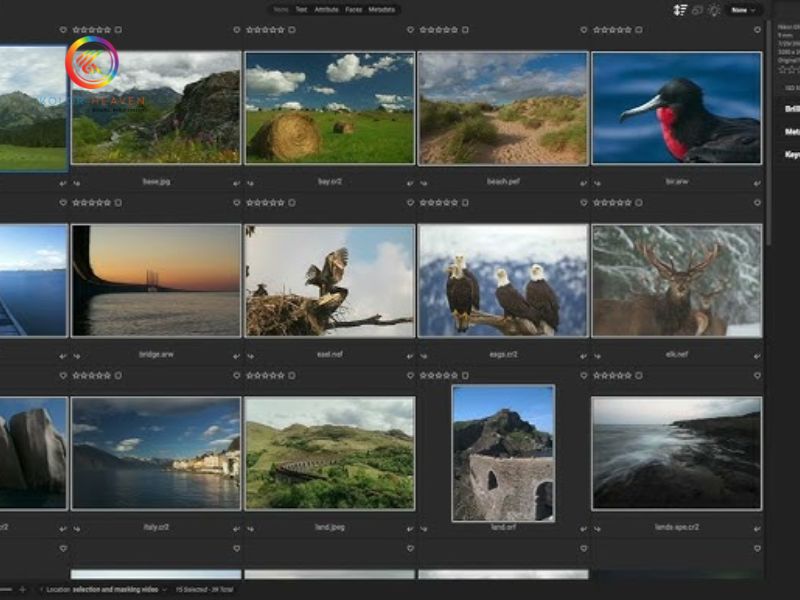
Bringing AI into batch workflows helps speed up, reduce errors, and handle steps that are difficult to do manually.
Useful AI features for real estate photo processing batches
- Automatically adjust light & color: exposure, shadows, highlights, white balance.
- AI HDR merge: when there are photos with different exposures (brackets), AI can automatically merge to keep beautiful details in both bright and dark areas.
- Object removal: remove distracting details (electric wires, shadows, messy objects).
- Perspective correction: correct lens distortion, vertical/horizontal alignment, keep exterior/interior images straight and professional.
- Sky replacement, twilight / virtual dusk effects: make exterior photos more attractive, especially when the sky is too bright or cloudy.
Popular AI tools and software
- Imagen AI: a tool specializing in supporting real estate photos with features such as auto color enhancement, HDR merge, perspective correction, sky replacement.
- Batch.ai plugin for Lightroom Classic: fast batch processing, learn from edited styles to apply to other photos.
- Photomatix: HDR software with batch HDR merge and presets for real estate photos.
- Photo editing tools that support batch/resizing/crop/auto-enhance like BeFunky.
When to use AI batch vs manual editing of individual photos
- AI batch is very effective when the photos have relatively similar shooting conditions (lighting, scene type).
- AI batch handles basic/medium steps well, but photos with special requirements (high detail, complex lighting, high exposure, window details, etc.) still need manual “final touch”.
- Consider a hybrid workflow: AI + batch for the majority, manual editing for key photos (cover photos, advertising photos, photos that appear frequently).
Sample workflow for batch processing of real estate photos with Kolorheaven
To get the most out of batch editing + AI processing, a clear workflow & quality control points are needed. Here is a sample workflow that Kolorheaven can apply / customers can follow.
Workflow from photo capture to image export
- Photo capture: ensure RAW photos if possible, bracketing if necessary, adequate lighting, good shooting angle, minimal layout.
- Batch upload: divide photos by listing / project; clear naming & folders for easy management.
- Basic batch editing:
- White balance, exposure, shadows/highlights
- Crop/resize to platform standards (web, MLS, social media)
- Lens / perspective correction
- HDR merge if multiple exposures are available
- Virtual staging if the property is vacant or needs interior enhancement
- Sky replacement or twilight/day-to-dusk for exterior photos if needed
Kolorheaven offers services such as Real Estate Photo Editing Services with HDR editing, virtual dusk, sky replacement, virtual staging, and batch processing.
- Apply brand presets / styles: ensure consistency across all photos across multiple listings.
- Quality Control (QC): look for “outlier” photos – photos with significant underexposure, distortion, obstructions, unwanted shadows – manually adjust if needed.
- Export photos: choose the appropriate format (JPEG/PNG), resolution/aspect ratio for the posting platform (web, MLS, social media) and filename/folder organization.
Actual benefits if applying this workflow
- Processing time is greatly reduced – for example, from many hours for each listing to only a few hours for a large batch.
- The number of listings that can be processed in a short time increases.
- Uniform images help the agent/developer brand become more professional, increasing trust with customers.
- Reduce costs and errors when working manually.
The role of Kolorheaven service in the workflow
- Kolorheaven has a comprehensive real estate photo editing service: Retouching, Image Enhancement, HDR editing, Virtual dusk, Sky replacement, Perspective correction, Virtual staging.
- Batch processing service is listed in Kolorheaven’s features: processing large numbers of photos efficiently & synchronously.
- Kolorheaven’s turnaround time is typically 8-12 hours after receiving batch photos.
Case Study & Real Data
Simulated / Real Case Study
A Kolorheaven client has a portfolio of 150 photos for a model apartment project: interior + exterior + twilight. Previously, manual editing took about 20-25 hours to complete — including retouching, color correction, cropping, sky replacement, resizing. After applying Kolorheaven’s batch + AI + QC workflow, the time was reduced to 4-5 hours. Consistent photo quality, similar color profile, faster delivery time.
KPI to measure efficiency
| KPI | Before using batch + AI | After applying Kolorheaven workflow |
|---|---|---|
| Editing time per listing (150 photos) | ~20–25 hours | ~4–5 hours |
| Number of listings completed per week | 1–2 listings | 4–5 listings |
| Percentage of outlier photos requiring manual retouch | ~20–30% | ~5–10% |
| Client feedback on consistency & turnaround time | average | very good / praised for speed & professionalism |
Benefits & challenges of using batch editing + AI for high-volume listings
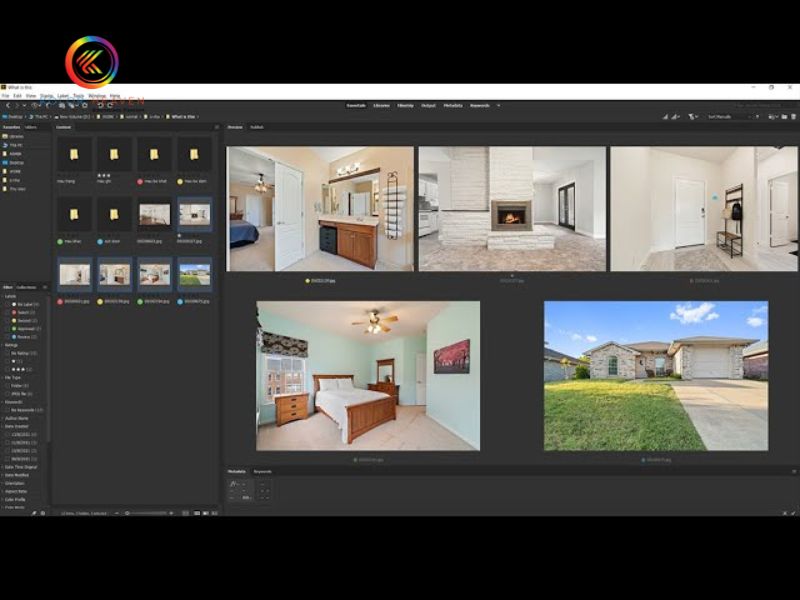
Once you have the workflow & tools, understand the advantages and the pitfalls if not handled carefully.
Key benefits
- Significant time savings: multiple images processed at once, automating repetitive steps.
- Lower cost per image averaged vs. full manual editing.
- Higher synchronization between images from multiple listings: style, color, lighting.
- Faster to market: agents or developers can post listings quickly to take advantage of hot markets.
Challenges to overcome
- Input images have different quality (poor lighting, noise, lens distortion…) — “bad” images can affect the batch.
- Preset / AI can be less responsive if the style requires specifics (branding, specific color tones).
- Special situations: twilight / dusk shots, strong window light → need sophisticated manual editing.
- Quality control (QC) needs to be implemented — don’t just hand over all batch images without review.
Conclusion
Batch editing with AI not only helps optimize real estate photo processing time but also ensures uniformity and high quality for the entire listing. If you are looking for a cost-saving solution and improve image efficiency, AI batch photo processing service at Kolorheaven is a reliable choice.
Contact us
- Phone: +84 0899 779 111
- Email: kolorheaven@cskolorheaven.com
- Address: The 3th floor, Block TT 55–56, Tu Hiep, Thanh Tri, Hanoi.